 Cyberduck
 Mountain Duck
 CLI
CLIMountain Duck 5.3 and later runs natively on Windows 11 for ARM.
Mountain Duck 5.3 and later runs natively on Windows 11 for ARM.
Cyberduck 9.5 adopts user interface changes known as Liquid Glass in macOS Tahoe. Besides rounded corners, the update also includes other refinements the list of bookmarks and editing connection details in the bookmark window.
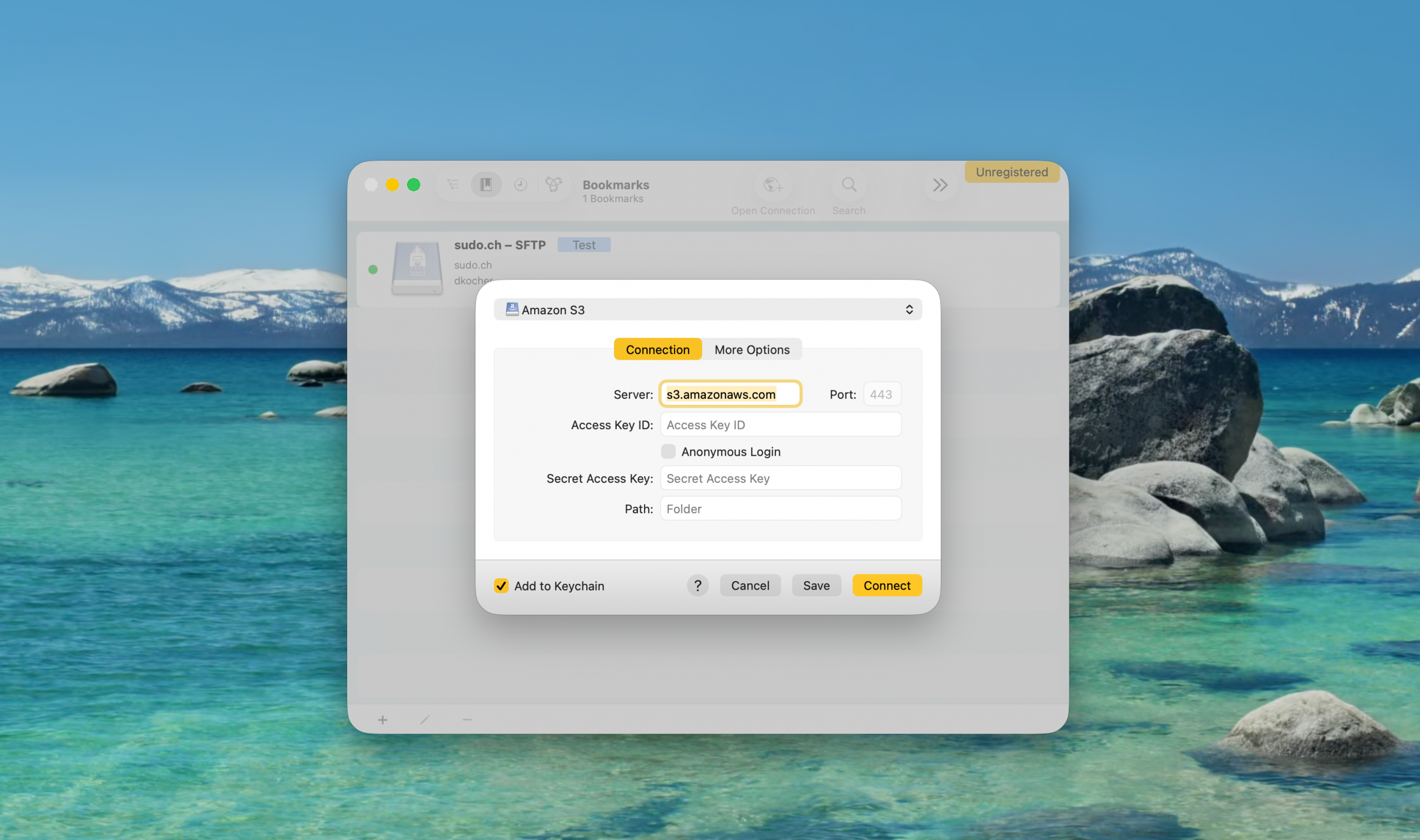
Controls for unavailable connect options depending on the current protocol selection are hidden but the Open Connection window now features the all available options likewise the Edit Bookmark window. Non-frequent options have been moved to a More Options tab. Additionally a Connect button is available when editing a bookmark.
in the main window, the navigation bar is only shown in list and outline view but not when not applicable when displaying bookmarks. Additionally a progress indicator is shown for the bookmark when a connection is being opened.
You can read the full details in the changelog.
Managing access to Amazon S3 across multiple AWS accounts and users has traditionally required juggling access keys, secret credentials, and complex IAM policies. With support for AWS IAM Identity Center (formerly AWS Single Sign-On) now available in Cyberduck 9.5.0 and Mountain Duck 5.3.0, connecting to S3 has never been easier or more secure.
AWS IAM Identity Center is AWS’s centralized access management solution that lets users sign in once using their existing corporate credentials—whether that’s through Okta, Microsoft Entra ID (formerly Azure AD), or other identity providers. Instead of managing permanent access keys, users get short-lived credentials that automatically expire, significantly improving your security posture.
Traditional S3 access requires creating and managing AWS access keys for each user. These long-lived credentials pose security risks if accidentally exposed or shared. IAM Identity Center solves this by:
Setting up IAM Identity Center authentication for S3 requires two main steps:
First, enable IAM Identity Center in your AWS account and configure your identity source. You can use AWS’s built-in directory or connect to an external identity provider like Microsoft Entra ID or Okta. Create a permission set that defines what S3 resources users can access—for example, read-only or full access to specific buckets. Add users through IAM Identity Center (or sync them from your external identity provider) and assign them to AWS accounts with the appropriate permission sets. Users will receive an invitation to set up their access to the AWS access portal.
Creating a connection is straightforward:
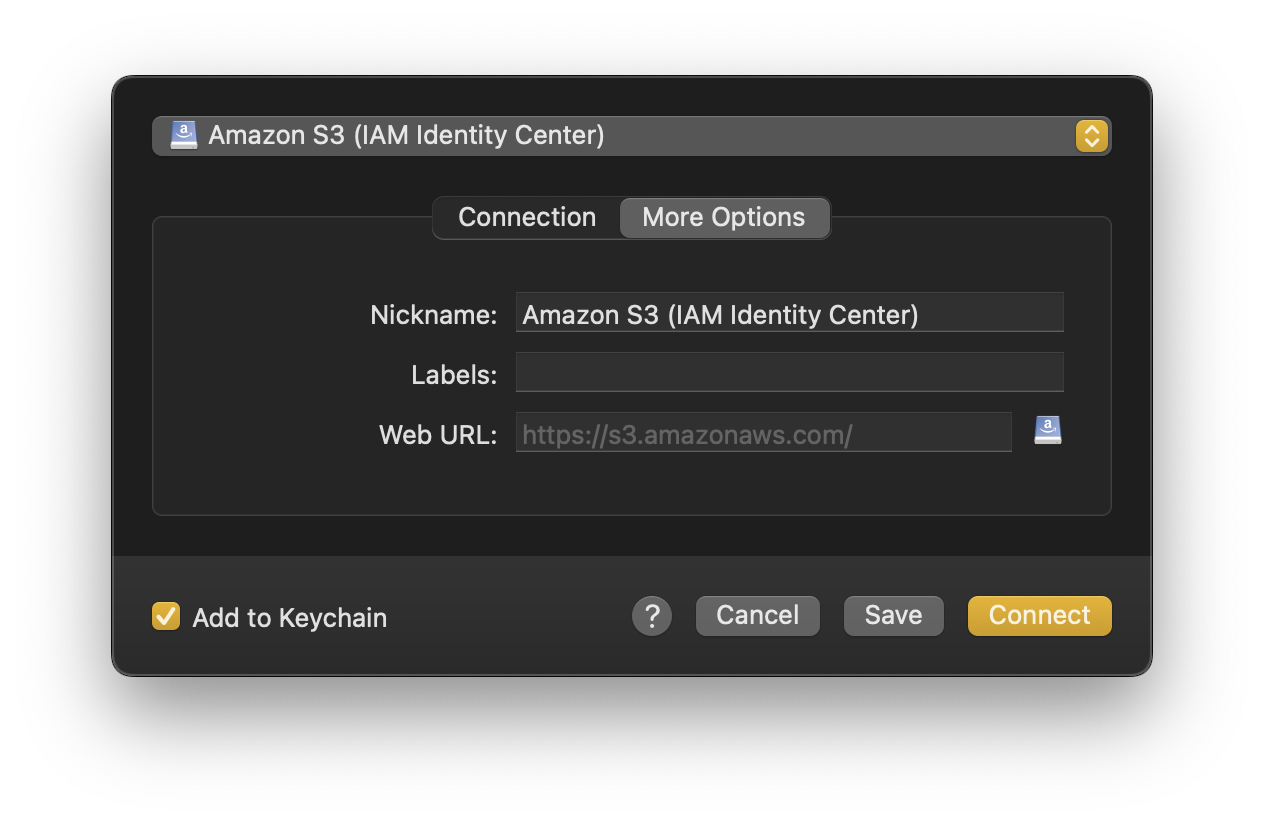
The browser will redirect back to the application, and you’re connected—no access keys to copy or store.
For teams already using the AWS CLI, Cyberduck and Mountain Duck can read configuration directly from your ~/.aws/config file. Simply configure your profile once with aws configure sso, allowing you to skip the manual input.
AWS IAM Identity Center support is available now in Cyberduck 9.5 and Mountain Duck 5.3. For detailed setup instructions and configuration options, check out our complete tutorial.
