 Cyberduck
 Mountain Duck
 CLI
CLICyberduck 9.5 adopts user interface changes known as Liquid Glass in macOS Tahoe. Besides rounded corners, the update also includes other refinements the list of bookmarks and editing connection details in the bookmark window.
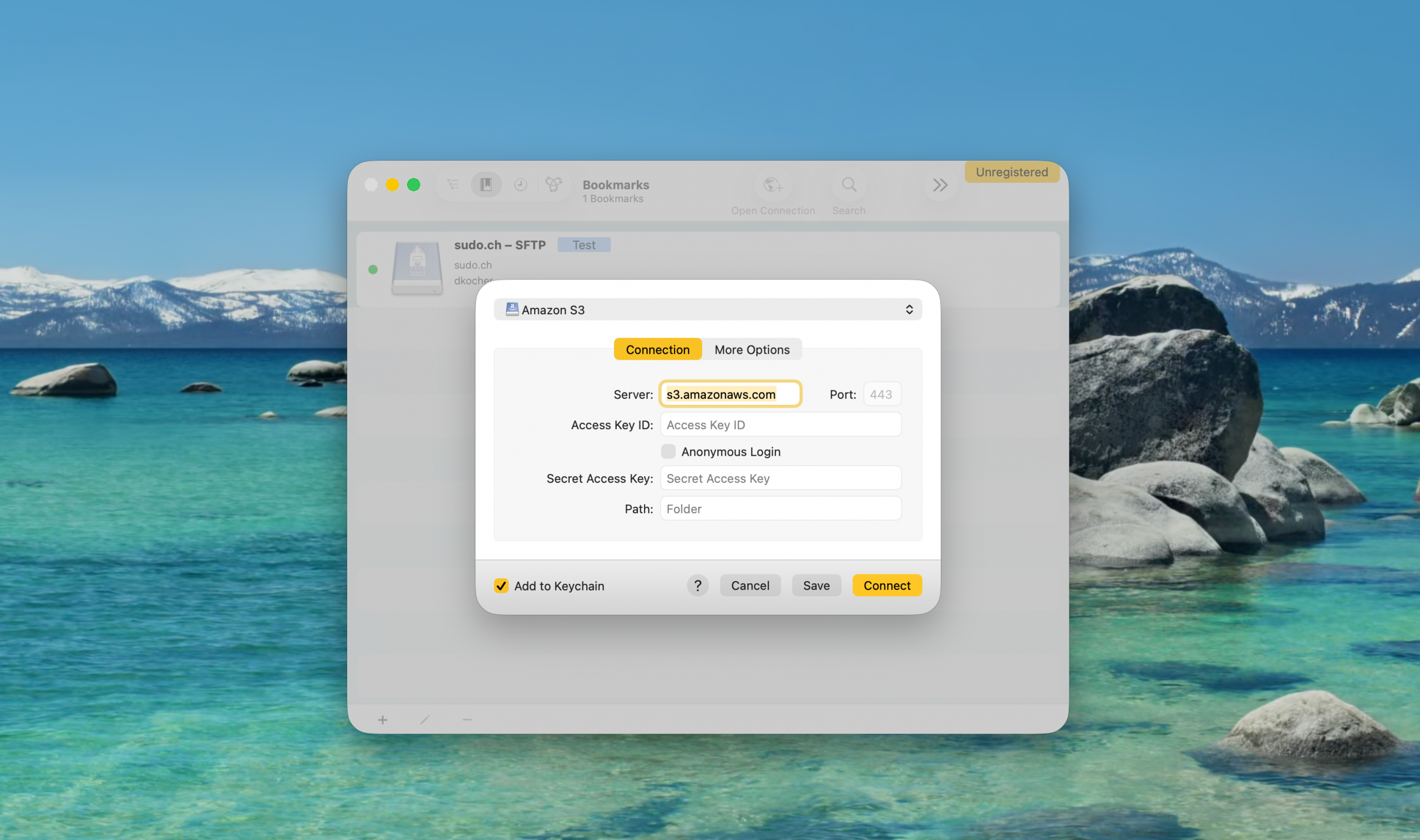
Connect Options
Controls for unavailable connect options depending on the current protocol selection are hidden but the Open Connection window now features the all available options likewise the Edit Bookmark window. Non-frequent options have been moved to a More Options tab. Additionally a Connect button is available when editing a bookmark.
Browser Window
in the main window, the navigation bar is only shown in list and outline view but not when not applicable when displaying bookmarks. Additionally a progress indicator is shown for the bookmark when a connection is being opened.
You can read the full details in the changelog.
