· David Kocher · Posted in Cyberduck
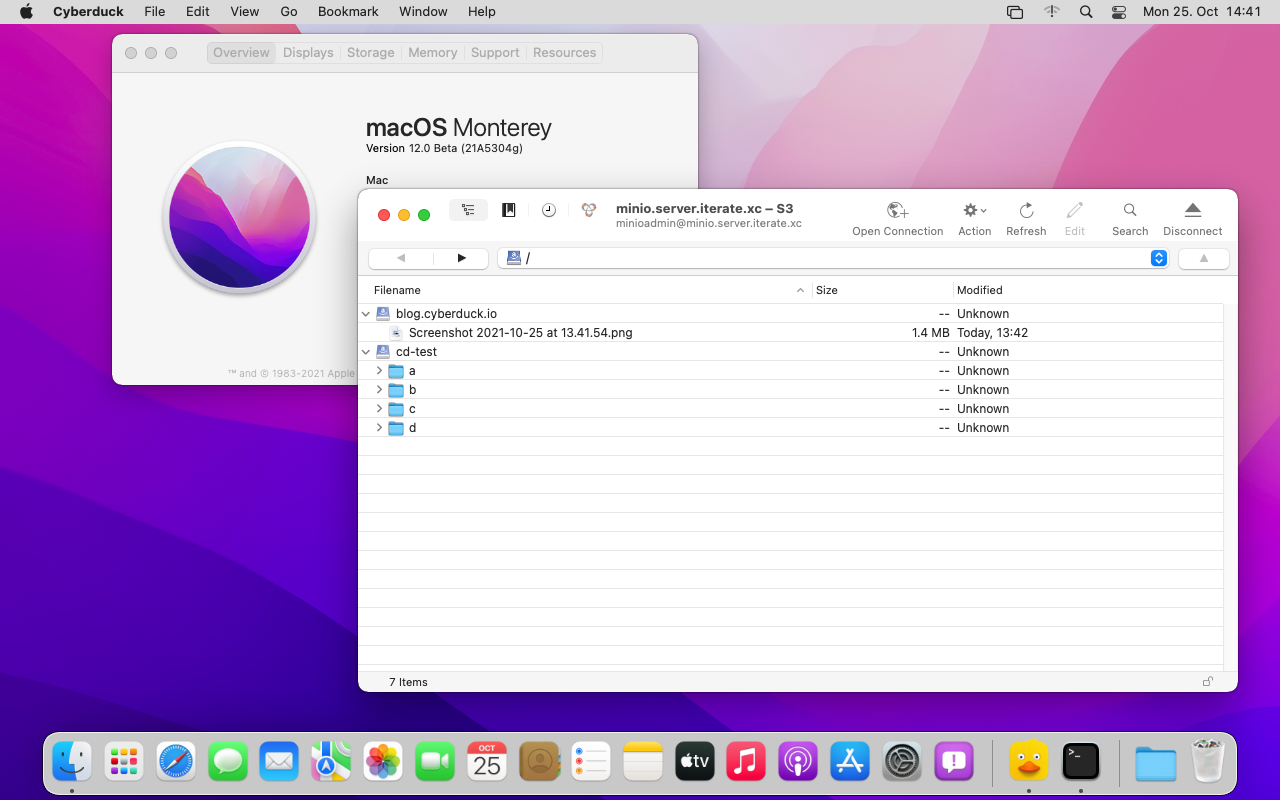
As the latest version of macOS now numbered 12 will arrive later today both Cyberduck and Mountain Duck are fully compatible.
· Yves Langisch · Posted in Cyberduck
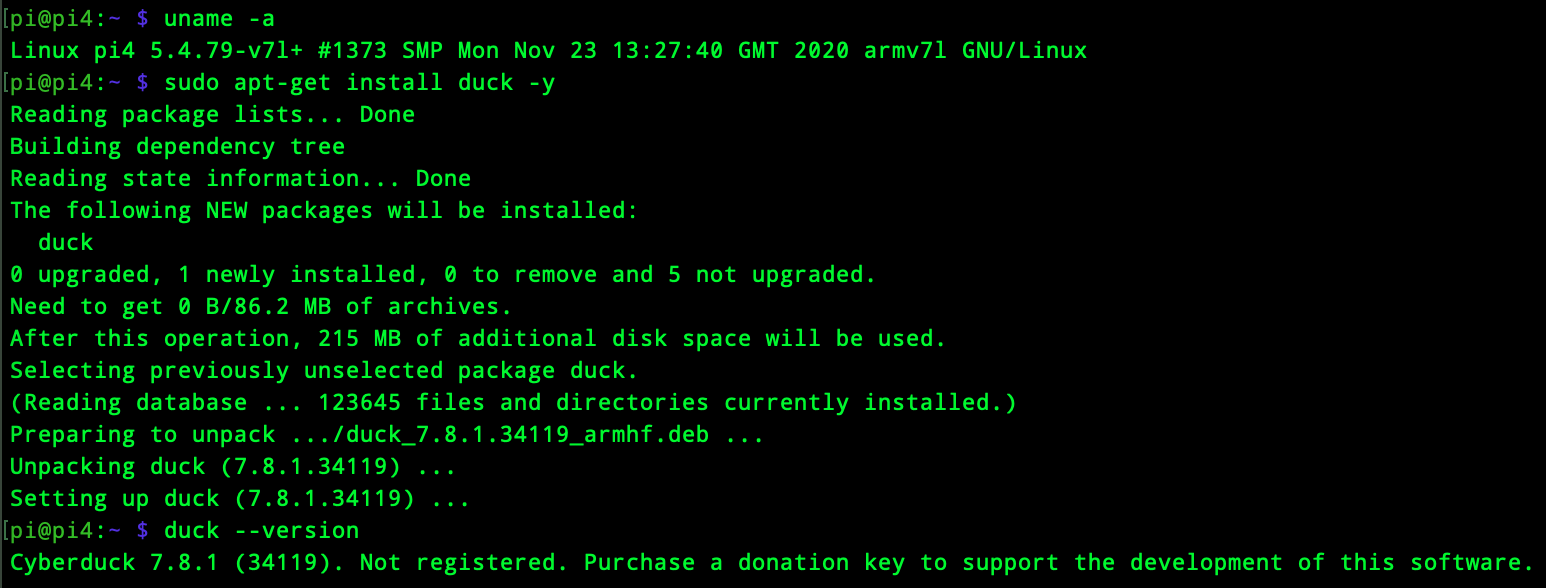
Cyberduck CLI is now available for the growing ARM ecosystem. Run the universal file transfer tool on AWS EC2 A1 instance types or Raspberry Pis for example. Both DEB and RPM package types are available in 32bit and 64bit for ARM. The regular installation instructions apply.
· David Kocher · Posted in Mountain Duck
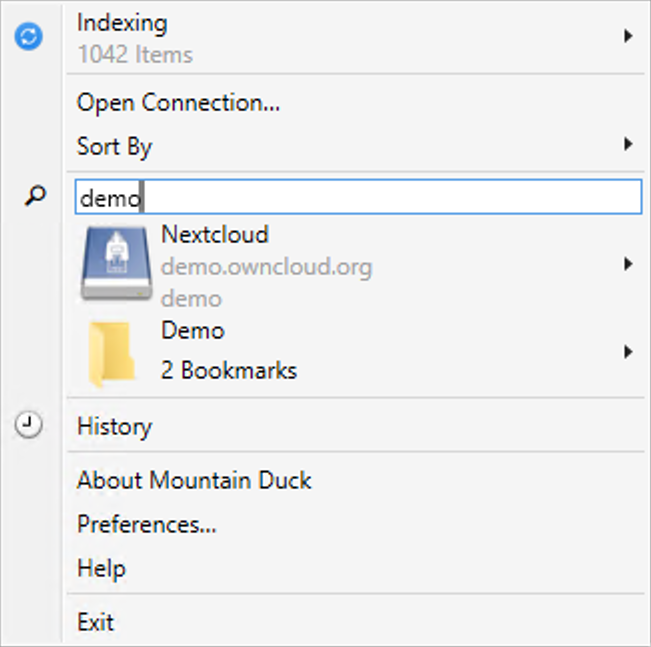
Mountain Duck 4 introduced labels to assign to bookmarks to allow grouping in folders in the status bar and system tray menu. To further ease the lookup of bookmarks for power users with many connections we have now added a search field in the menu in version 4.4 as known from the Cyberduck browser window.
· David Kocher · Posted in Cyberduck, Mountain Duck
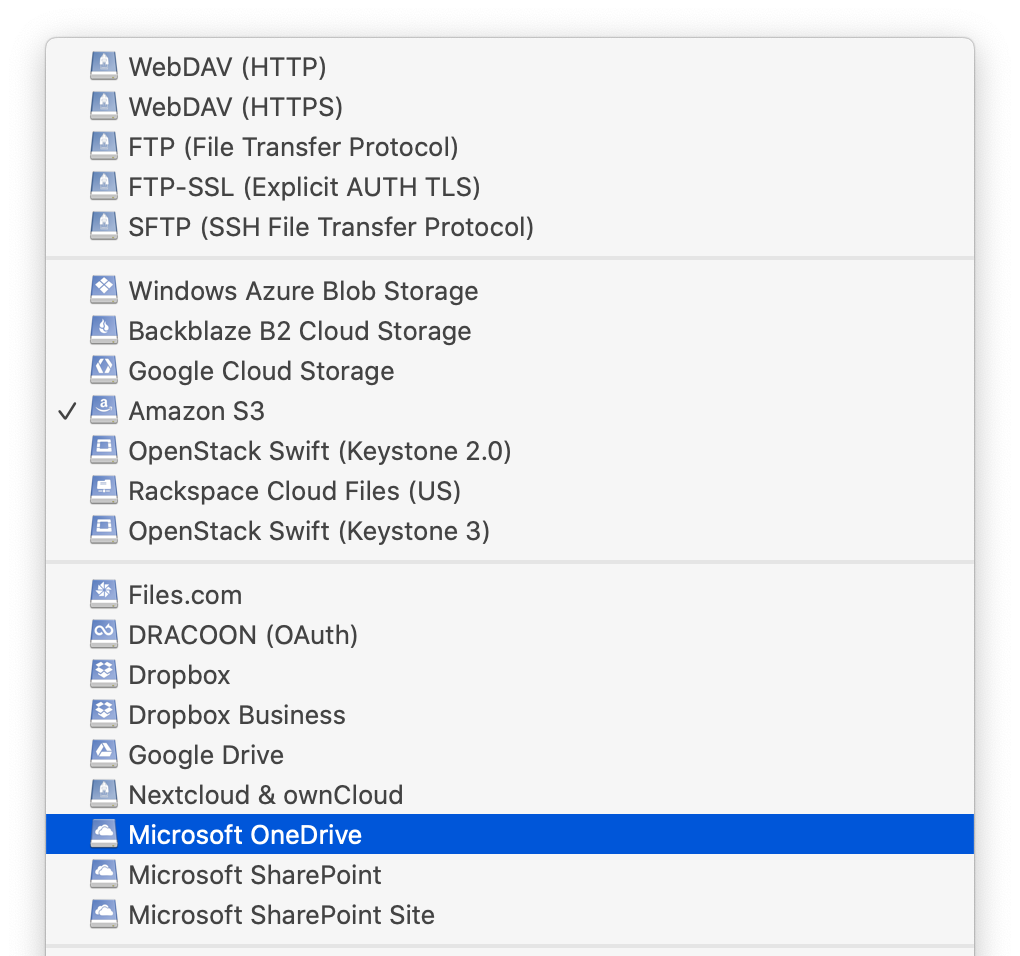
Cyberduck 7.8 and Mountain Duck 4.4 improve support for Microsoft Sharepoint connections. The Microsoft SharePoint Site connection profile now allows to connect to specific sites. The regular Microsoft SharePoint connection profile adds support to browse different libraries. Refer to our extended documentation for both OneDrive and SharePoint.
· David Kocher · Posted in Cyberduck
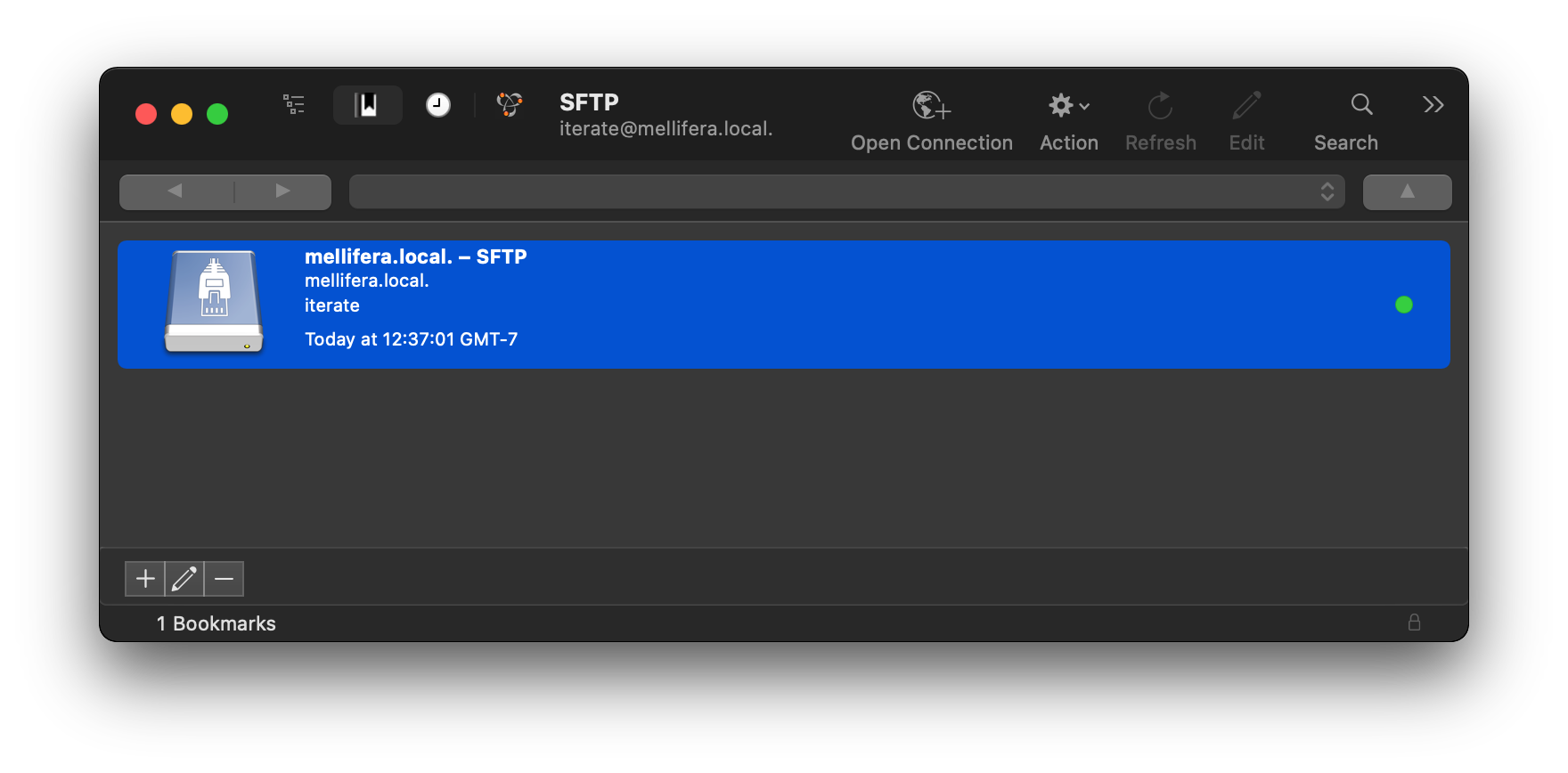
We have made some adjustments in version 7.7 of Cyberduck to support the new window appearance introduced in macOS 11. Switching between bookmarks and browser view is now always visible in the toolbar.
The bookmark proxy icon is now displayed inline with the other toolbar controls including the bookmark nickname replacing the previous window title.
Additionally the input field to search for bookmarks or files is now located in the toolbar and treated accordingly.
When horizontal space is limited, the toolbar can display the Search button in place of the search bar. When people click the Search button, the bar expands; when they click elsewhere in the window, the search bar collapses and the toolbar displays the button again.
 Cyberduck
 Mountain Duck
 CLI
CLI