· David Kocher · Posted in Mountain Duck
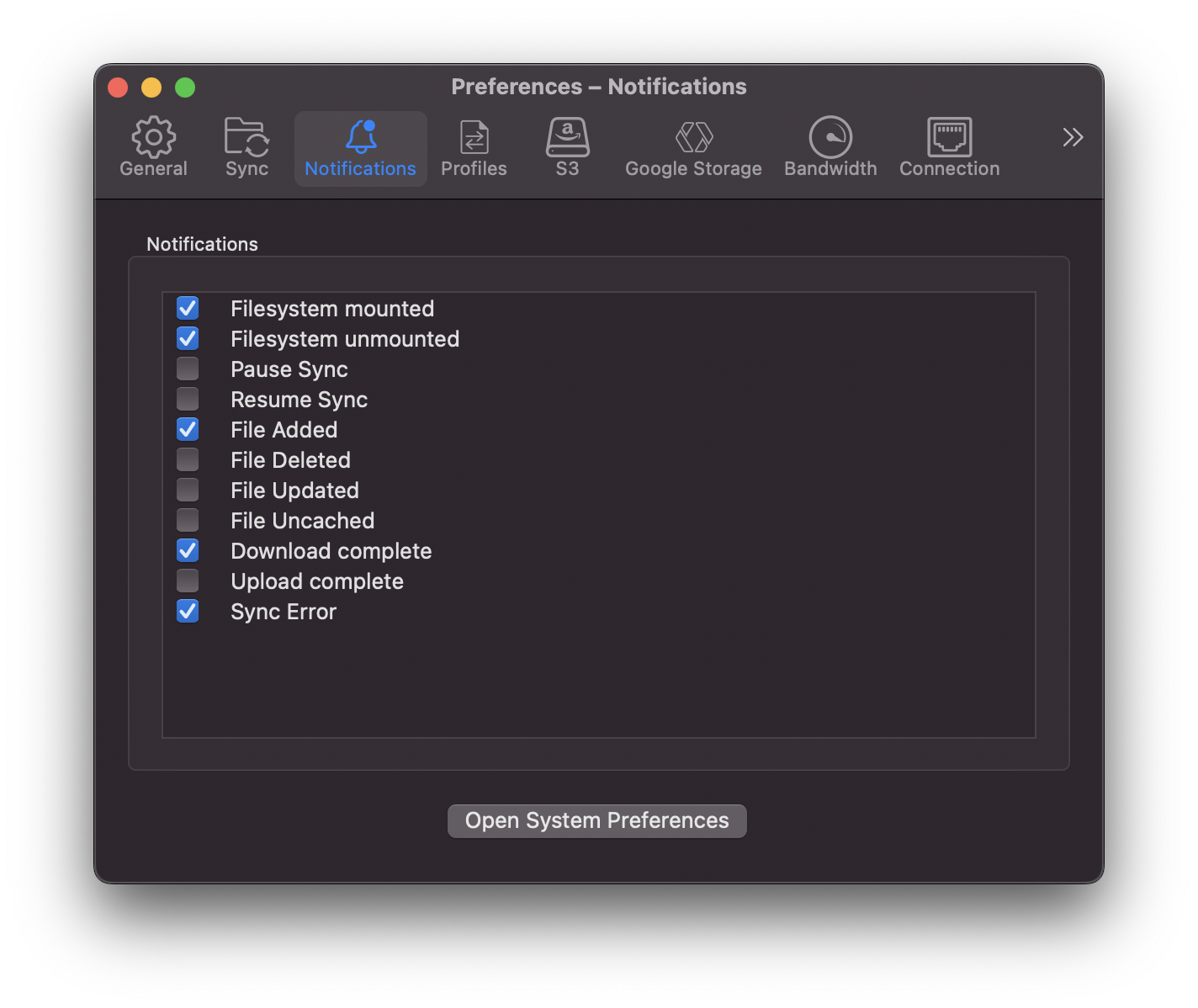
Mountain Duck 4.12 introduces a new Notifications tab in Preferences that allows customizing the notifications to be displayed. In particular it allows fine tuning which notifications to receive when file changes are detected on the server and background synchronization activity.
· David Kocher · Posted in Cyberduck, Mountain Duck

Cyberduck 8.2 and Mountain Duck 4.10.0 introduce support for accessing Box not only through their FTP or WebDAV gateway but using the native Box API. This should not only improve performance but additionally allow enabling two-factor authentication (2FA) for the account. The new implementation allows to create download and upload shares of files or folders for people who are not Box users by using File → Share…in Cybereduck or Create Download Share or Create Upload Share from the Mountain Duck context menu respectively.
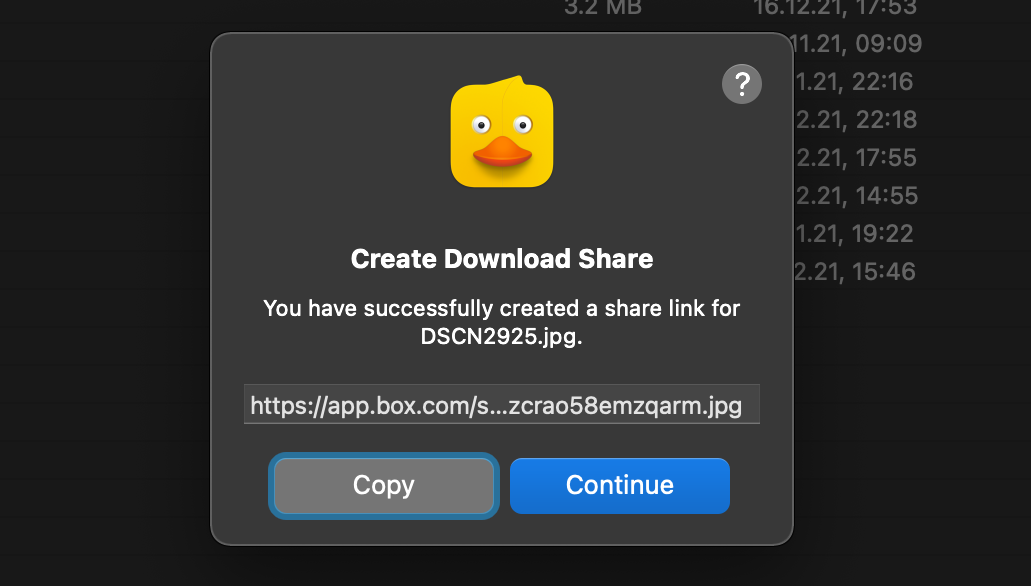
Download Mountain Duck as an alternative to Box Drive.
· David Kocher · Posted in Cyberduck
We previously only had mirror repository for Cyberduck on GitHub and managed pull requests for changes on our own Git server and mirrored all changes to a SVN repository which was used to display a timeline of changes in Trac.
We are now using the repository on GitHub as the primary source root and accept pull requests at the same place. Previous milestone history has been preserved. This will make contributions more straightforward and simplify the development setup for many.
We now use Github as well to manage all issues containing bug reports or feature requests. We have migrated all previous 11919 tickets opened in Trac since 2005 to GitHub.
Additionally we will also retire the current documentation in the Wiki and move it to docs.cyberduck.io. Contributions to the documentation written in Markdown are welcome can be made by opening a pull request.
· David Kocher · Posted in Cyberduck, Mountain Duck
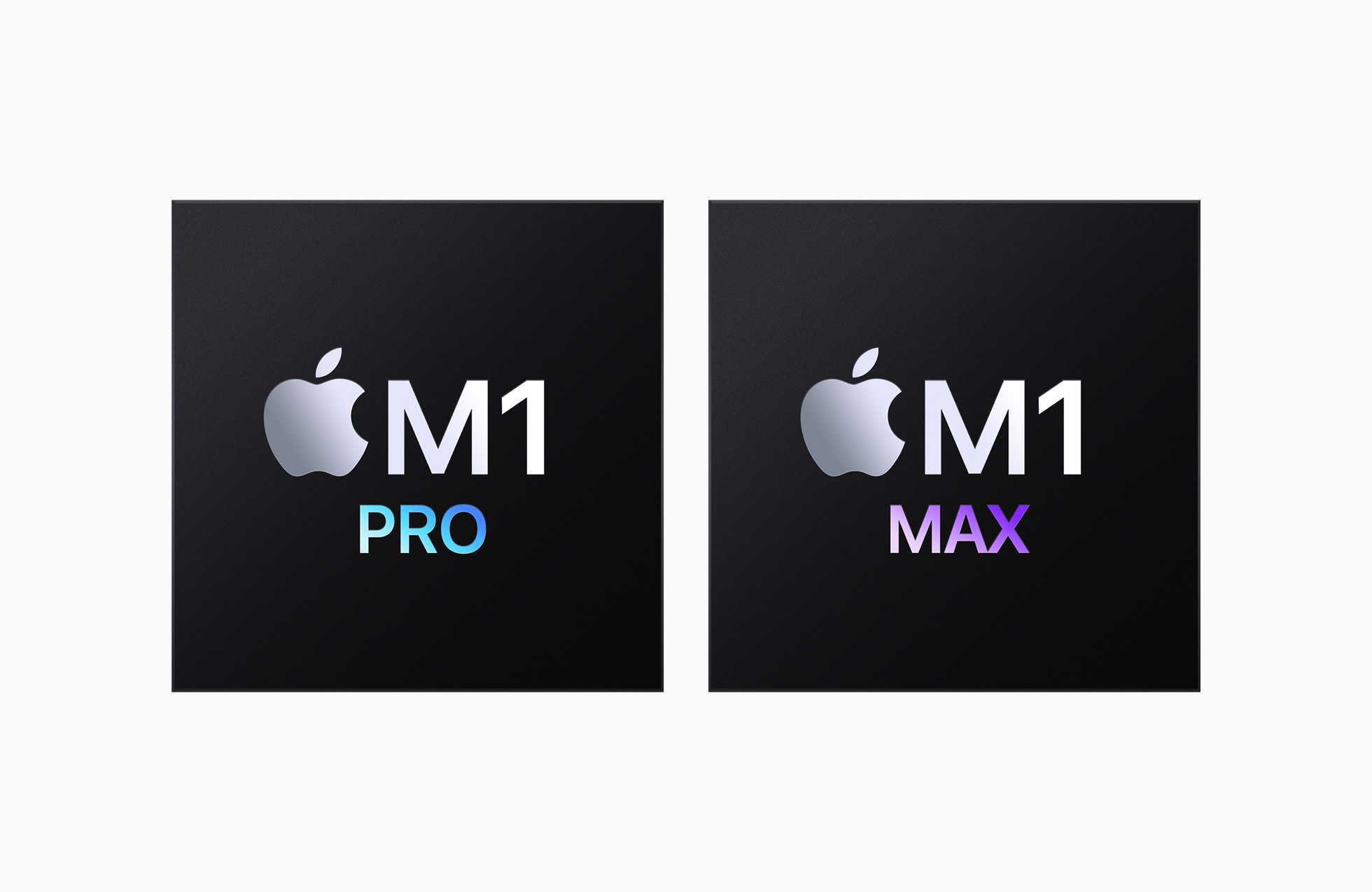
The latest versions of Cyberduck and Mountain Duck now run natively on Apple M1 hardware. Thus we are again shipping a universal binary on macOS since dropping support for PPC and Intel 32-bit (i386) in version 4.4 released in October 2013.
This was made possible by the work in Rococoa, JNA and libffi.
· David Kocher · Posted in Cyberduck, Mountain Duck
Cyberduck 8 and Mountain Duck 4.8 introduce a new Profiles preferences tab that allows to install additional connection profiles on demand. This makes it much easier to connect to various hosting and cloud storage service providers without the need to lookup connection details other than credentials.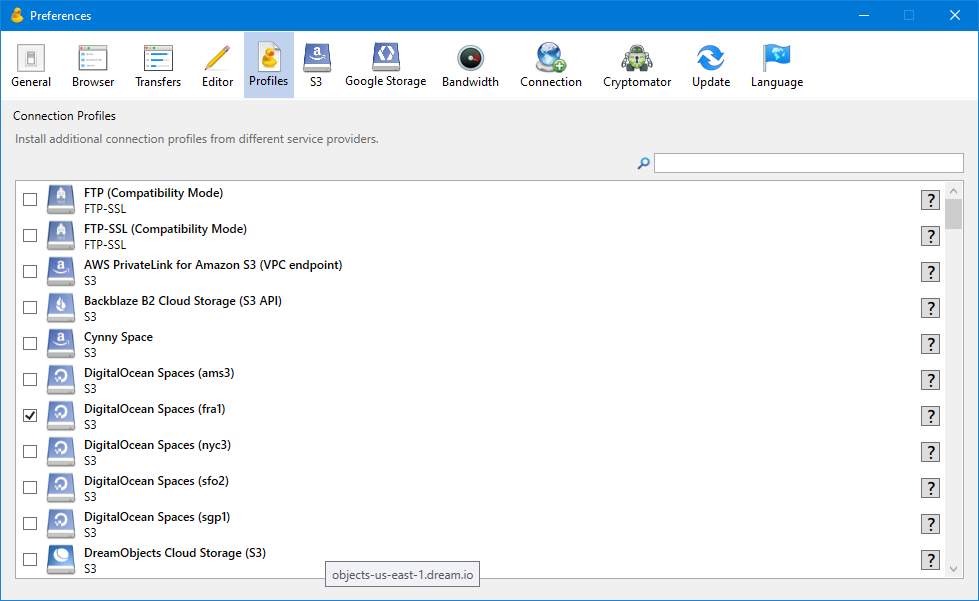
You can either scroll through the list of profiles or use the Search function. To install a connection profile simply enable the corresponding checkbox. The profile will be downloaded and saved in the “Profiles” folder of the application support directory right away. Since Mountain Duck and Cyberduck refer to the same application support directory the connection profiles are shared between both applications. Disabling the checkbox deactivates the connection profile for the currently used application.
Service providers that define connection profiles and open an issue to request the connection profile to be added to the default repository.
 Cyberduck
 Mountain Duck
 CLI
CLI