· David Kocher · Posted in Cyberduck, Mountain Duck
Cyberduck 8 and Mountain Duck 4.8 introduce a new Profiles preferences tab that allows to install additional connection profiles on demand. This makes it much easier to connect to various hosting and cloud storage service providers without the need to lookup connection details other than credentials.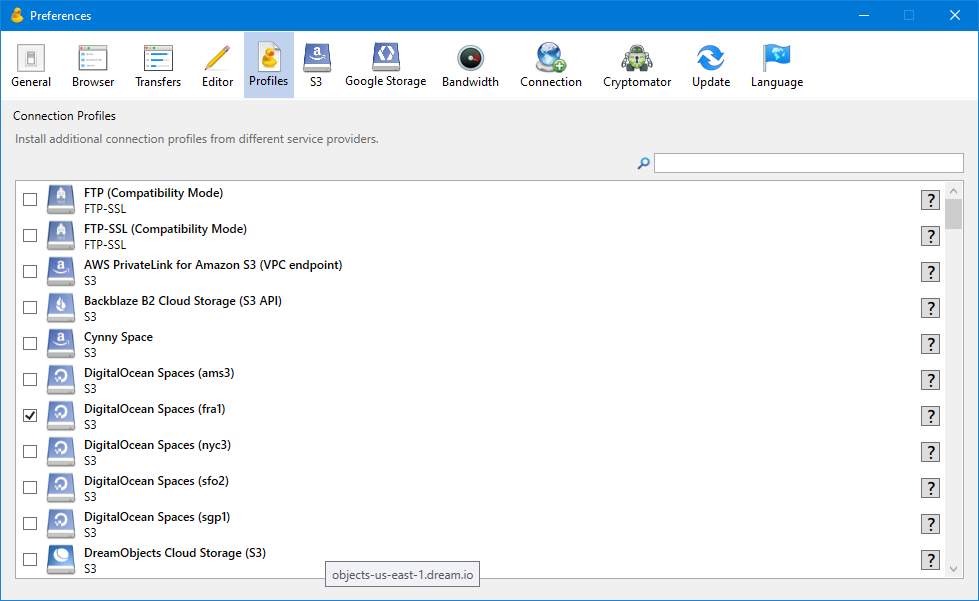
You can either scroll through the list of profiles or use the Search function. To install a connection profile simply enable the corresponding checkbox. The profile will be downloaded and saved in the “Profiles” folder of the application support directory right away. Since Mountain Duck and Cyberduck refer to the same application support directory the connection profiles are shared between both applications. Disabling the checkbox deactivates the connection profile for the currently used application.
Service providers that define connection profiles and open an issue to request the connection profile to be added to the default repository.
· David Kocher · Posted in Mountain Duck
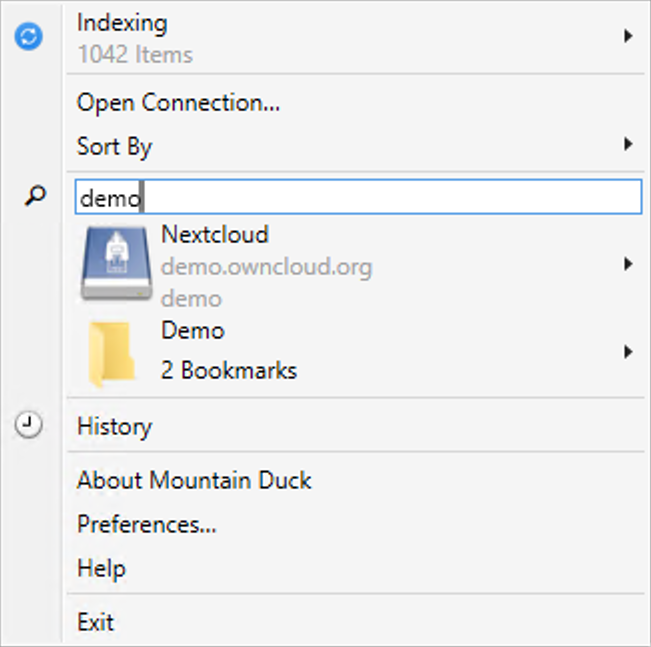
Mountain Duck 4 introduced labels to assign to bookmarks to allow grouping in folders in the status bar and system tray menu. To further ease the lookup of bookmarks for power users with many connections we have now added a search field in the menu in version 4.4 as known from the Cyberduck browser window.
· David Kocher · Posted in Cyberduck, Mountain Duck
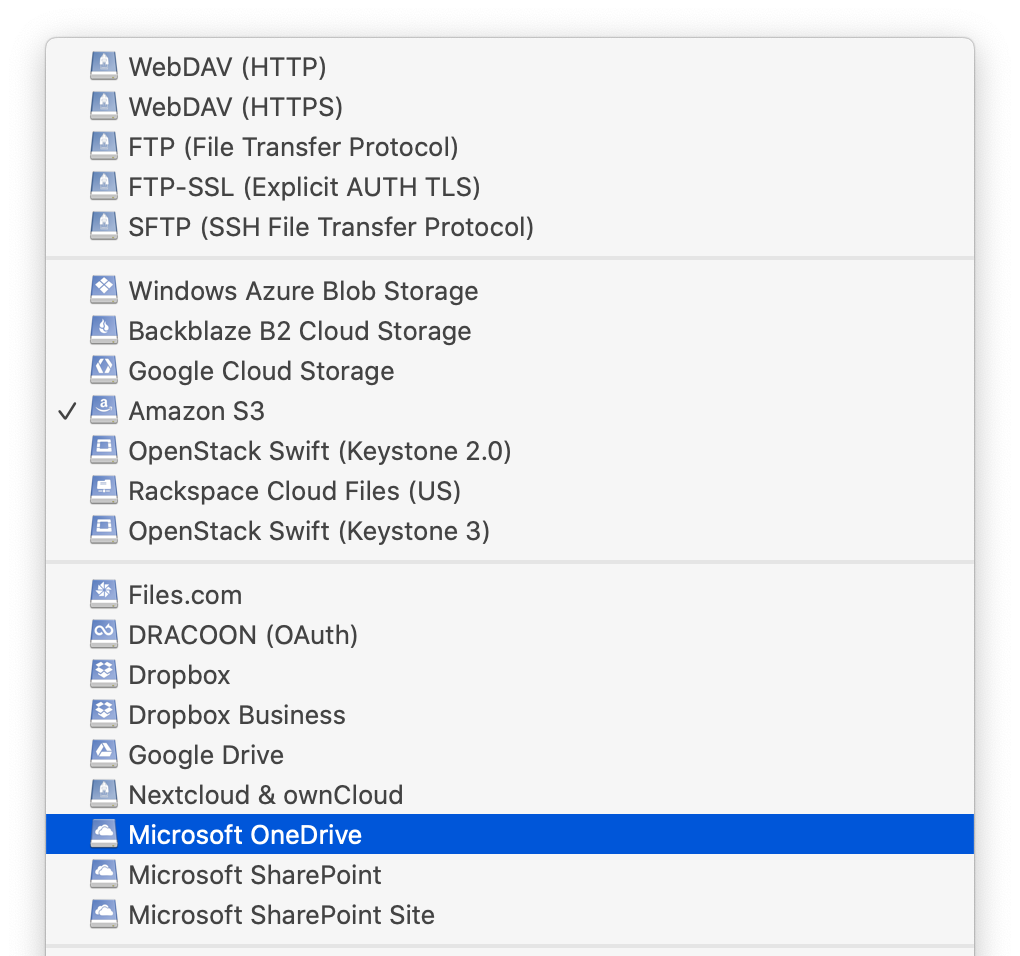
Cyberduck 7.8 and Mountain Duck 4.4 improve support for Microsoft Sharepoint connections. The Microsoft SharePoint Site connection profile now allows to connect to specific sites. The regular Microsoft SharePoint connection profile adds support to browse different libraries. Refer to our extended documentation for both OneDrive and SharePoint.
· David Kocher · Posted in Cyberduck, Mountain Duck
The latest version of Cyberuck and Mountain Duck now allow to manually lock and unlock Cryptomator vaults. This is useful as an alternative to the automated discovery of vaults with configurable in Preferences → Cryptomator → Auto detect and open vault in browser.
Lock and unlock vault stored in S3 in Cyberduck.
Lock and unlock vault in Finder in S3 bucket mounted with Mountain Duck. Refer to our documentation.
· David Kocher · Posted in Mountain Duck
We are thrilled to announce the release of Mountain Duck 4 – the premier choice to mount server and cloud storage as a disk in Finder on macOS and the File Explorer on Windows.
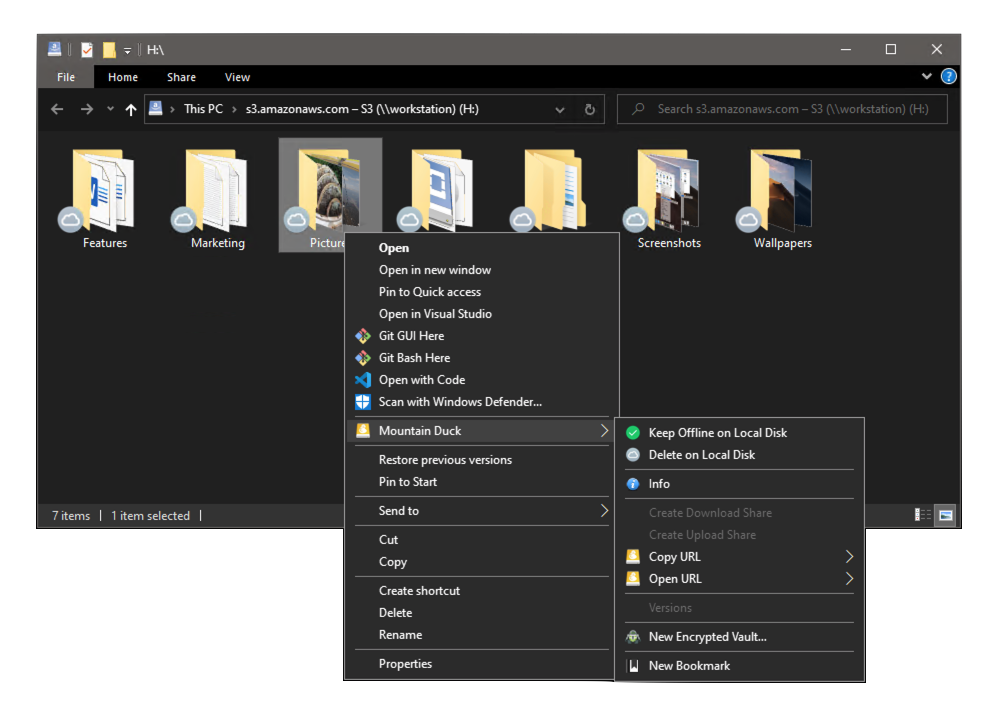
Version 4 adds a file history with a detailed view of transfers in progress and history of recently edited files on your computer and on the server. Users can select an item to quickly reveal the changed file in the file explorer.
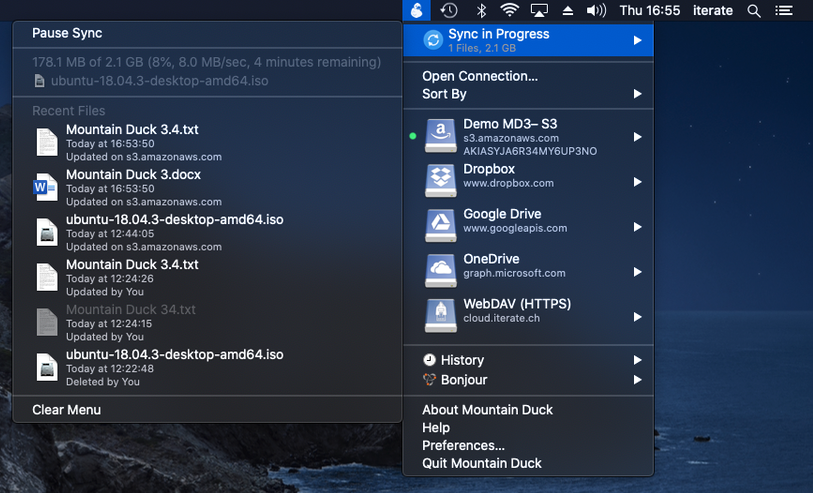
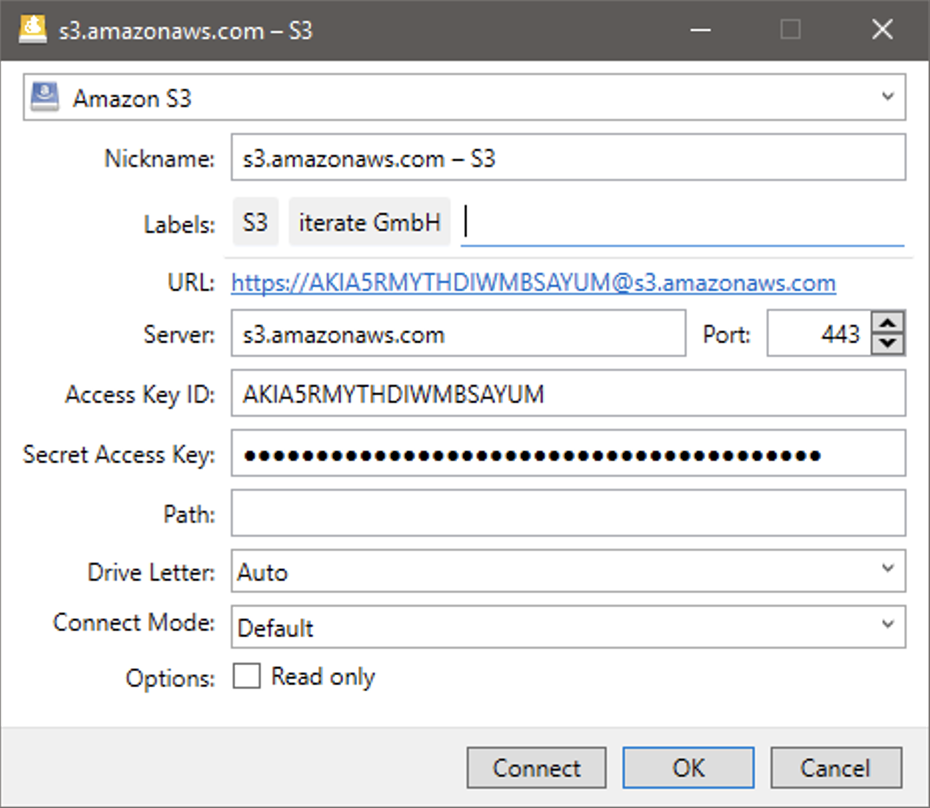
Assigning labels to bookmarks allows grouping bookmarks in folders in the menu further enhancing the unobtrusive user interface.
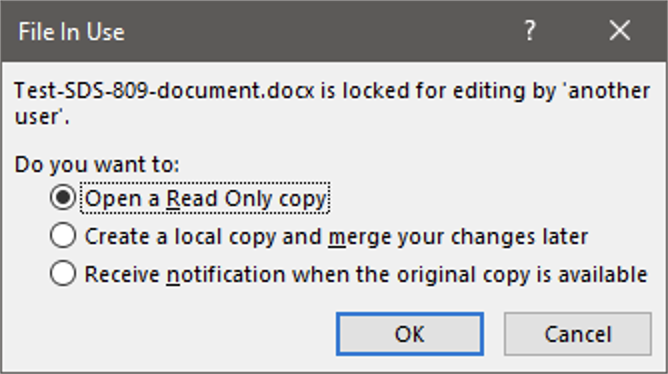
Locking files prevents conflicting edits from others while editing a document. Support has been introduced locking files when connecting to a WebDAV server. Additionally, locking for protocols with no native lock support using lock owner files has been implemented to allow alerts for concurrent edits in Microsoft Office.
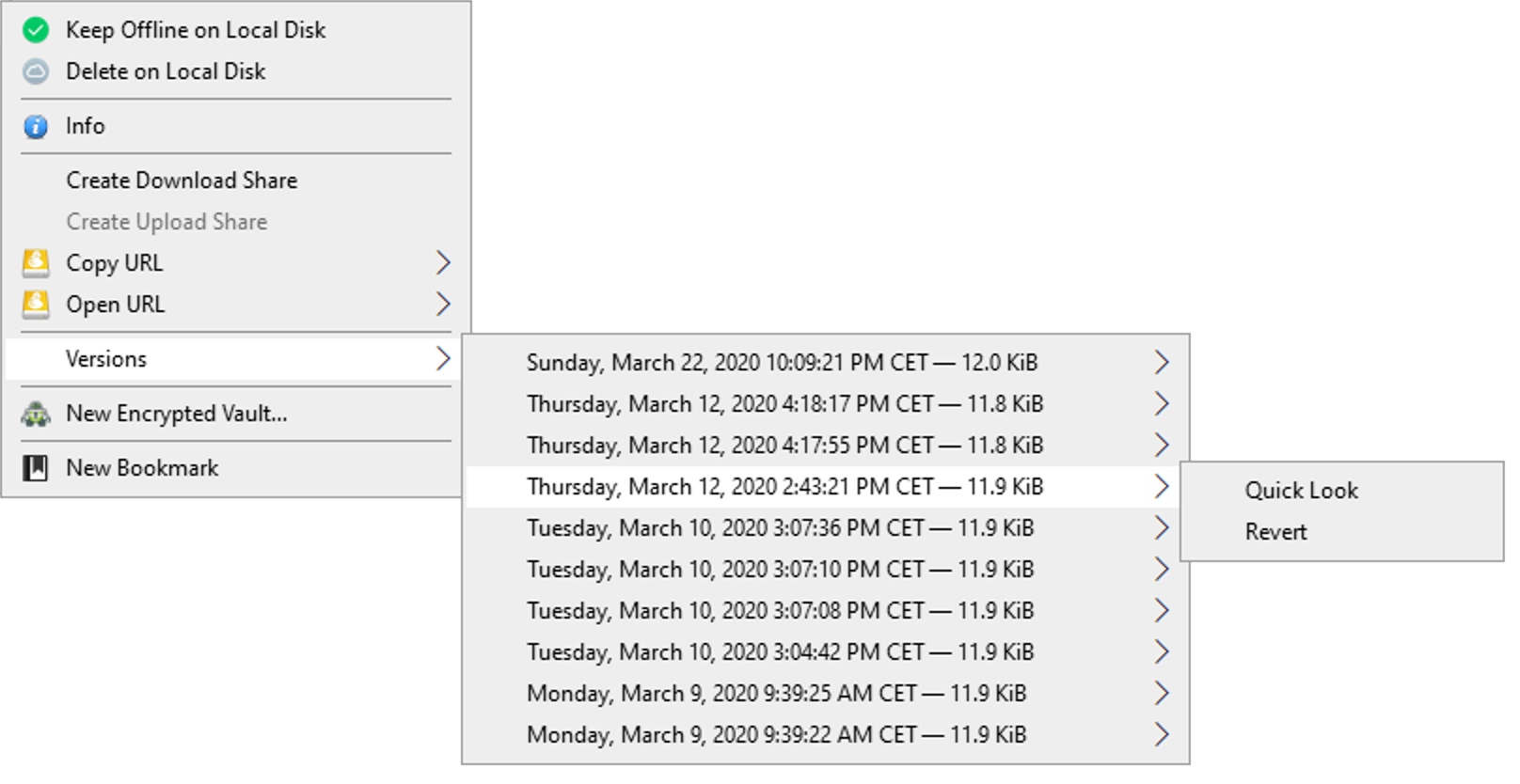
Also when working with versioned buckets in S3, users can open and revert previous versions of files.
Please upgrade your license before updating. Existing customers get an upgrade discount between 40% to 100% depending on the date of purchase.
 Cyberduck
 Mountain Duck
 CLI
CLI